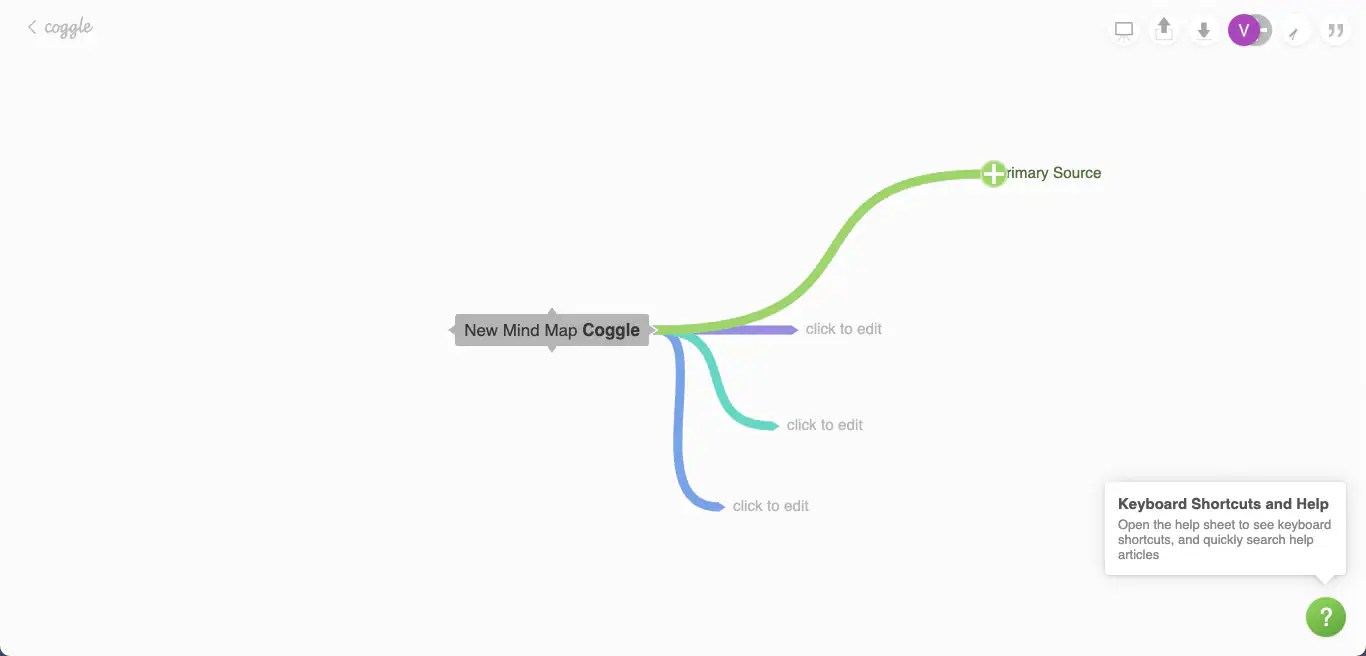
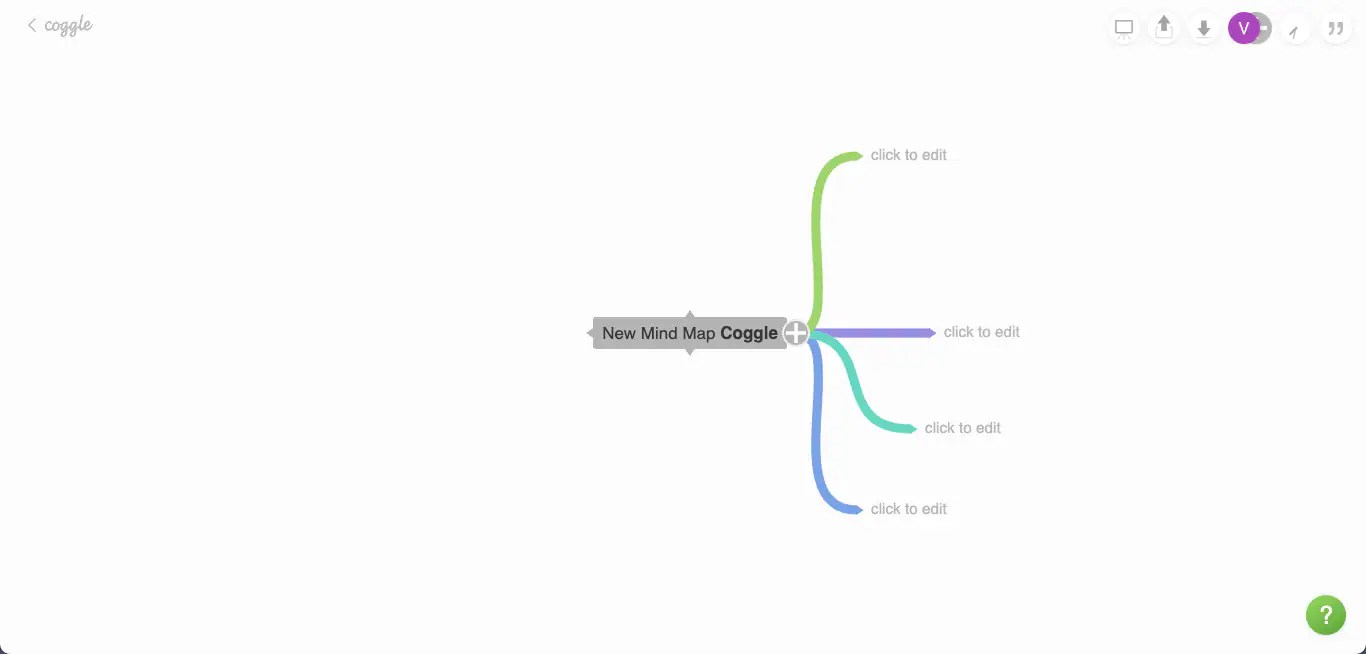
- How do I start a new Coggle mind map in 2026? Simply log into Coggle and click the plus (+) icon on your dashboard. This instantly creates a new blank canvas, ready for your ideas to unfold. Begin with a central topic and expand outward.
- Can I collaborate with others on a Coggle mind map in real-time? Absolutely. Coggle supports real-time collaborative editing. Invite team members via email or a shareable link, and watch as everyone contributes simultaneously to the same map, fostering dynamic teamwork.
- What are the best ways to organize branches within a Coggle mind map for clarity? Utilize color-coding for different themes, use shapes to highlight key sections, and keep branch labels concise. Drag and drop branches to rearrange them, maintaining a clear, logical flow.
- Is Coggle accessible on mobile devices for on-the-go ideation? Yes, Coggle is fully web-based and responsive, meaning it works seamlessly across all your devices, including smartphones and tablets. Access your maps anytime, anywhere, ensuring your ideas are never out of reach.
- What distinguishes Coggle from other mind mapping software in 2026? Coggle's intuitive interface, robust real-time collaboration, and focus on visual simplicity make it stand out. It prioritizes ease of use without sacrificing powerful features, perfect for quick, effective idea mapping.
- Can I export my Coggle mind maps into different formats? Certainly. Coggle offers various export options, including PDF, PNG, and FreeMind XML. This flexibility allows you to easily share your visual ideas with colleagues or integrate them into other applications for further use.
- How can I use Coggle for project management in 2026? Coggle is excellent for project management. Outline tasks, assign responsibilities, track deadlines, and map dependencies visually. Its collaborative nature ensures all team members stay informed and aligned on project progress, making complex workflows more transparent.
Unlock your full creative and organizational potential with Coggle mind maps in 2026. This intuitive online tool empowers Gen Z and Millennials to transform scattered thoughts into structured, visual masterpieces. Coggle makes complex information digestible, facilitating seamless collaboration and boosting productivity across all projects. Dive into its dynamic features to brainstorm, plan, and present ideas with unparalleled clarity. Discover how Coggle leverages an active, visual approach to learning and problem-solving, perfectly aligning with modern digital workflows. Whether you are a student, a professional, or a creative, Coggle provides a robust platform for mapping out your world, ensuring every idea finds its place and every plan moves forward with precision. Navigate its user-friendly interface to quickly build intricate diagrams that communicate powerfully. Explore the trending capabilities that position Coggle as a go-to solution for visual thinkers everywhere, maximizing your mental clarity and output.
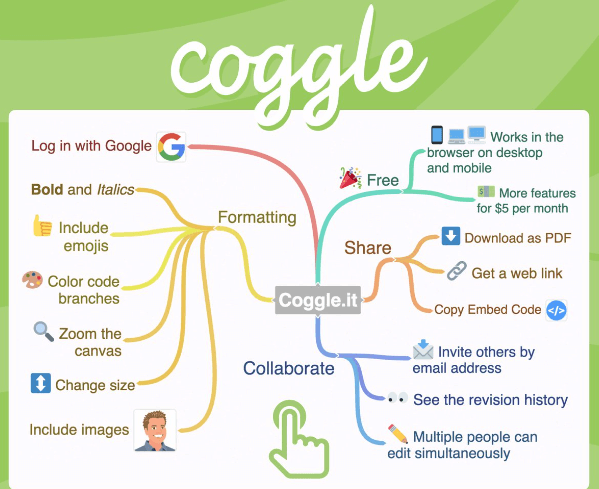
- How do I share a Coggle mind map for team collaboration? - Sharing a Coggle mind map is straightforward. Simply click the 'Share' button within your map, then invite collaborators via email or generate a shareable link. You can control permissions, allowing viewing or editing access, making teamwork smooth and secure for any project in 2026.
- What are the best practices for using Coggle for academic study in 2026? - For academic study, use Coggle to summarize lectures, break down complex topics, and outline essays. Color-code different subjects or themes, and attach relevant notes or links to branches. This visual approach enhances retention and makes revision more efficient for students.
- Can Coggle integrate with other productivity tools I use daily? - While Coggle offers direct export to formats like PDF and PNG, its primary integration is through its web-based platform. You can embed Coggle maps into other tools that support iframe or image embeds, or simply link to your live maps, enhancing your existing digital ecosystem.
- What are some advanced features of Coggle that boost productivity? - Coggle offers advanced features like markdown support for rich text, the ability to add images and icons, and 'Presentation Mode' for dynamic walkthroughs. Using multiple central branches, creating loops, and employing custom shapes further elevates your mind mapping game, significantly boosting productivity.
- Is Coggle a free tool, or does it require a subscription in 2026? - Coggle offers a robust free tier with unlimited public diagrams and limited private diagrams, which is great for individual use. For more private maps, advanced features, and priority support, a Coggle Awesome subscription is available, providing enhanced capabilities for power users and teams.
- How can I ensure my Coggle mind maps are always up-to-date with current information? - To keep your Coggle mind maps current, regularly review and update branches with new information. Leverage the real-time collaboration feature if working with a team, ensuring everyone contributes the latest data. Use the comment feature to discuss updates and maintain accuracy, especially for ongoing projects.
Ready to revolutionize your thinking in 2026? Coggle mind mapping is the ultimate digital playground for Gen Z and Millennials looking to streamline their ideas, boost creativity, and collaborate effortlessly. This powerful, intuitive tool transforms chaotic thoughts into clear, actionable visual maps, making complex projects feel manageable and inspiring new solutions. Forget endless bullet points; Coggle offers a dynamic canvas where every idea connects logically, fostering deeper understanding and more effective communication. It is designed for immediate impact, providing a responsive interface that encourages exploration and innovation across all your digital endeavors. Learn how Coggle helps you quickly capture insights, plan strategies, and present concepts with unmatched clarity and efficiency.
Core Understanding Fundamentals
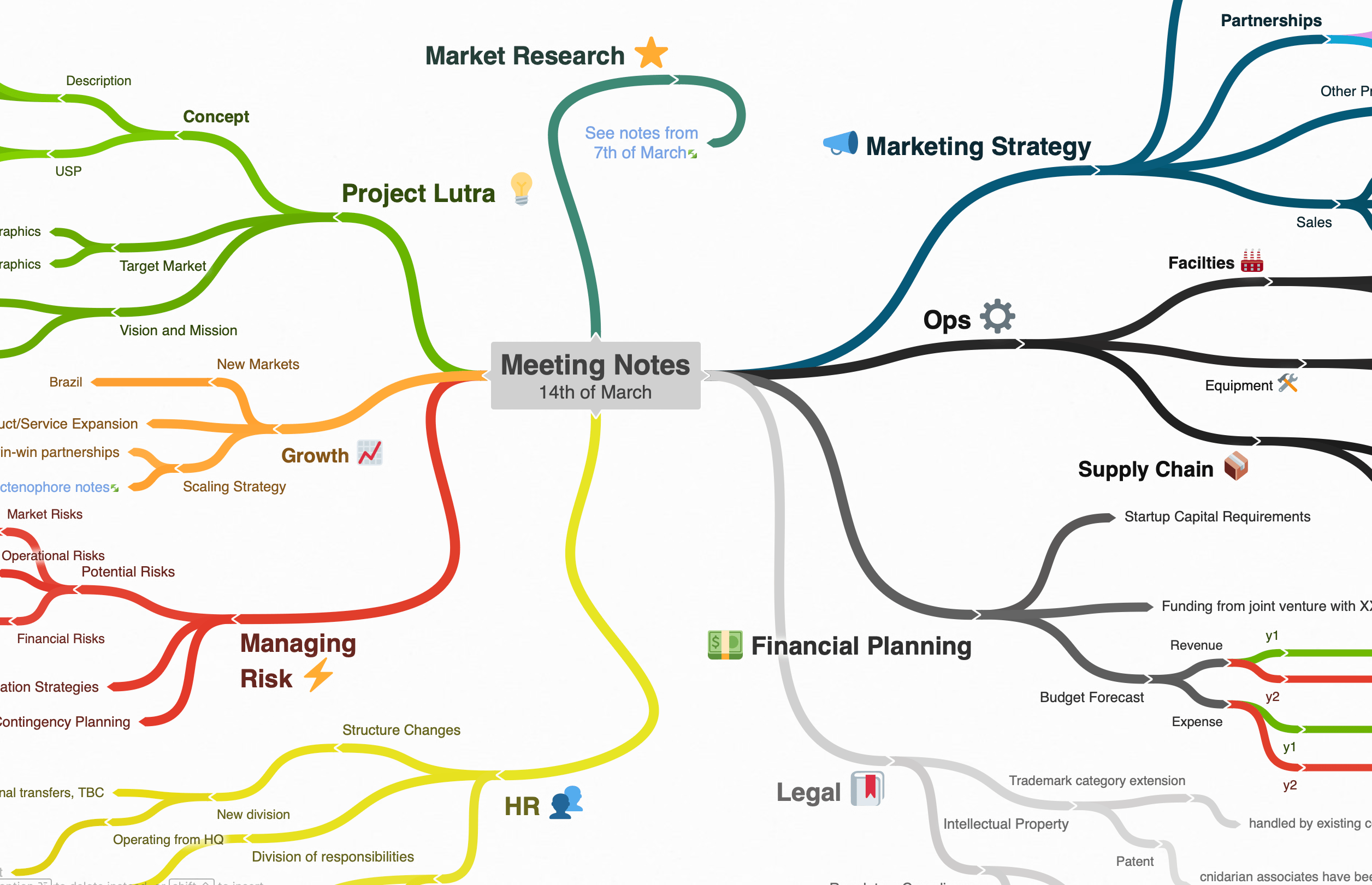
Coggle stands out as a premier online mind-mapping application, designed to help users visualize and structure their thoughts with ease. At its heart, Coggle functions like a digital whiteboard, allowing you to create interconnected branches that emanate from a central idea. This visual hierarchy makes complex topics simple to grasp, ideal for brainstorming sessions, project planning, or organizing study notes. Its real-time collaboration feature truly sets it apart, enabling multiple users to work on the same mind map simultaneously, fostering dynamic teamwork whether you are in the same room or across the globe. The application’s simplicity ensures a low learning curve, meaning you can dive straight into creating impactful diagrams without getting bogged down by complicated controls. Coggle supports various content types, from text to images, making your maps as rich and informative as needed for any task in 2026.
Frequently Asked Questions
Where can I quickly learn Coggle mind mapping essentials in 2026?
For rapid learning of Coggle, the absolute best locations are Coggle's official help guides and popular YouTube channels like MindMap Tutorials Pro. These resources offer concise, visual walkthroughs for immediate understanding, getting you up to speed quickly.
How do I navigate Coggle's visual interface, similar to a Local MAP, for efficient workflow in 2026?
To navigate Coggle's dynamic visual maps, leverage the pan and zoom functions to explore complex branches. Use the 'Present' mode to guide viewers through specific sections, making collaboration seamless and focused. Remember to save regularly.
What are the optimal times to use Coggle for team brainstorming sessions in 2026?
Conduct Coggle brainstorming early in the week or before major project phases for fresh ideas. A quick 15-minute focused session often yields better results than prolonged, unstructured meetings, capturing initial sparks effectively.
- Coggle Feature: Collaborative Editing / Primary Use Case: Remote Team Brainstorms
- Coggle Feature: Branching Structure / Primary Use Case: Complex Idea Organization
- Coggle Feature: Markdown Support / Primary Use Case: Enhanced Text Formatting
- Coggle Feature: Presentation Mode / Primary Use Case: Engaging Project Demos
- Coggle Feature: Image Integration / Primary Use Case: Visual Storytelling
- Coggle Feature: Export Options / Primary Use Case: Sharing Across Platforms
Visual idea organization, Collaborative real-time editing, Intuitive drag-and-drop interface, Unlimited mind maps, Markdown support, Export options, Presentation mode, Cloud-based access, Mobile friendly, Efficient brainstorming.
Coggle Mind Map How To Create A In 2026 Guide 2026 Diagram Thumbnail 2026 2026 2026 School Guru SMPK 2025 2026 Sparkles 2025 2026 Best Mindmap Online Tools Available 2026 Software Screenshot Assessing Free 2026 For Corporate Us Mapping Using 2025 2026 2026 R 2026 Productive Fish It.
Methods To Make A Coggle Mind Map Best Mapping Software In 2026 AC58D390 1503 49f2 96c0 534F47BAB44C AC58D390 1503 49f2 96c0 534F47BAB44C How Create Maps With It Or Creative Alterna 2026 Guide For Free Forever Meeting 107763B5D Knowledge Base File Kordsmofne Use Diagrams And Tutorial Maxresdefault 2026 Find Template Example Flow Charts 32QSI7NPMG Alternatives 2026 Miro Diagram Thumbnail.
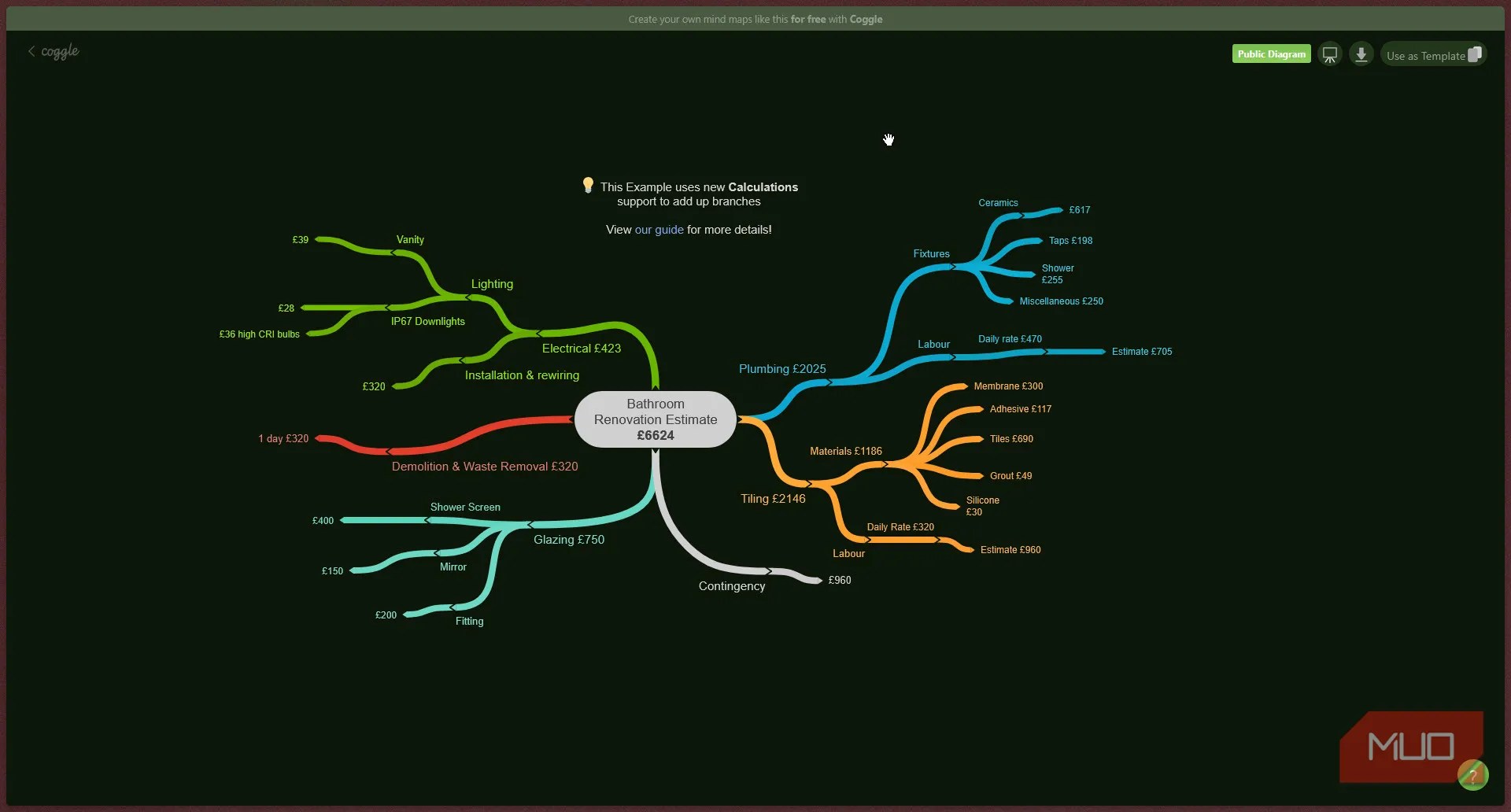


These Mind Mapping Tools Are Genuinely Free And Don T Paywall The Coggle Renovation Map Best Alternatives In 2026 For Creately Maps Flowcharts Powerful Vector PDF VSDX Export Thumbnail Simple Collaborative Create Tpshoopy LZPXPO7DIYGU4XXXL4J3HPEXHJNOF P3YMRYPKWJ94QGRTDB3SBC6KY LZPXPO7DIYGU4XXXL4J3HPEXHJNOF P3YMRYPKWJ94QGRTDB3SBC6KY Minor Assessment Diagram Word Template All About Change Colours How To A 2026 Guide What Updated 2026 Ixdf Software 2026 2026.