Many Roblox players, especially adult gamers juggling work and family, often wonder about their digital footprint. As gaming becomes more integrated into our social lives, privacy is key. This comprehensive guide dives deep into the question: can I hide my previous usernames on Roblox? We explore Roblox's username policies, the difference between usernames and display names, and practical steps you can take to manage your online identity. Whether you're looking to refresh your profile for new friends or maintain a professional image, understanding how your past names appear to others is crucial. Get ready to navigate Roblox's privacy settings like a pro and ensure your profile reflects the gamer you are today, allowing you to focus on the fun and social aspects without privacy worries. Learn to optimize your presence, stay current, and protect your personal space within the Roblox metaverse.
Can anyone still see my original Roblox username after I change it?
Yes, your original Roblox username, and any subsequent usernames you've paid to change, remain visible on your profile page under the "Previous Usernames" section. While your current display name is prominent, this history is publicly accessible to anyone viewing your profile. This is Roblox's current policy to maintain account integrity and prevent impersonation.
How much does it cost to change my Roblox username?
Changing your Roblox username costs 1,000 Robux. This is a one-time fee per change, and it's important to remember that even after changing it, your previous usernames will still be listed on your profile, meaning the full history is maintained.
Is there a way to prevent users from seeing my "Previous Usernames" list?
Currently, Roblox does not offer a direct setting or feature to hide the "Previous Usernames" list from your profile. This information is publicly displayed as part of your account's history. Your best option for immediate visibility control is to utilize the Display Name feature, which overlays your primary username in most public views.
What is a Roblox Display Name and how is it different from a Username?
A Roblox Display Name is a name you can set for free and change every seven days. It's the name that appears above your avatar in games and on your profile, making it your primary visible identity. Your Username, on the other hand, is your unique, permanent account identifier used for logging in and is what houses the history of your previous usernames.
If I change my Display Name, does it also change my previous usernames list?
No, changing your Display Name only affects the name that is publicly shown in games and on your profile. It does not alter your underlying Username nor does it modify or hide the list of your "Previous Usernames" on your profile page. Those remain tied to your core account Username as part of your account's permanent record.
Can I block specific users from seeing my previous usernames?
While you can block users on Roblox, blocking only prevents them from interacting with you in games or sending messages. It does not restrict their ability to view your public profile, which includes the list of your previous usernames. This information remains globally visible on your profile page for anyone who looks.
What are the privacy best practices for Roblox accounts in 2026?
In 2026, privacy on Roblox involves using strong, unique passwords and two-step verification. Regularly review your privacy settings in the "Privacy" tab to control who can message you, chat in games, and make friends. Utilize the Display Name feature to control your current public identity, and be mindful of what information you share in games or DMs. For deeper privacy, consider creating a new account if past usernames are a significant concern, although this means starting fresh.
Hey fellow gamers! Ever looked at your Roblox profile and thought, "Man, that old username is a blast from the past... but can anyone else still see it?" If you've been gaming on Roblox for a while, perhaps since your younger days, you've probably changed your username or at least considered it. As adults, balancing epic gaming sessions with work, family, and life, we value our digital privacy and want our online persona to reflect who we are now. With an impressive 87% of US gamers playing regularly, often for 10+ hours a week across mobile, PC, and console, our gaming identities are more public than ever. This brings up a critical question for many: can I hide my previous usernames on Roblox? It's a common concern for those of us who appreciate the relaxation and social connections Roblox offers, but also want control over our past online identities. You might be connecting with new colleagues, old friends, or even your kids' friends on the platform, and understanding what's visible is key to maintaining the privacy you desire. This guide will demystify how Roblox handles your old names, offering practical solutions and insights to help you manage your gaming identity effectively, allowing you to focus on building skills, having fun, and connecting with your community without unnecessary digital baggage.
For many gamers, privacy isn't just about security; it's about curating an online presence that aligns with your current life. We're not teenagers anymore, and that username from 2015 might not quite fit our professional or adult social circles today. As social gaming trends continue to dominate, particularly in free-to-play platforms like Roblox, managing your digital footprint is more important than ever. This comprehensive breakdown will equip you with the knowledge to understand what's public, what's private, and how you can best present yourself in the Roblox metaverse. Let's dive in and take control of your past online persona!
What's the Difference Between a Roblox Username and a Display Name?
Understanding the distinction between your Roblox Username and your Display Name is the first crucial step in managing your online identity. Your Username is your unique, permanent identifier on the Roblox platform. It's what you use to log into your account, and it's what identifies your profile internally. This Username is created when you first sign up, and while you can change it later for a fee (1,000 Robux), any previous usernames you've used will remain publicly listed on your profile.
A Display Name, on the other hand, is a free, changeable name that appears above your avatar in games, on your profile page, and in chat. Think of it as a public alias that overlays your Username. You can change your Display Name every seven days, giving you much more flexibility to reflect your current gaming persona, mood, or even align with seasonal events. Crucially, changing your Display Name does not affect your Username or the list of previous usernames visible on your profile; it merely provides a different, more prominent public-facing name.
Can Previous Roblox Usernames Be Truly Hidden From Everyone?
Unfortunately, no, previous Roblox usernames cannot be truly hidden from everyone. Roblox's platform policy dictates that all past usernames associated with an account remain publicly visible on your profile page under a dedicated section titled "Previous Usernames." This feature is designed to maintain account integrity, prevent impersonation, and provide a historical record. For busy adults who might have created their accounts years ago, this can be a bit of a privacy challenge, as older names might not align with current professional or social contexts.
This means that anyone visiting your Roblox profile, whether they are friends, strangers, or even blocked users, will be able to see this list. While your current Display Name will be the most prominent identifier, the historical record remains. Roblox currently offers no settings or options to privatize or delete this list. It's a fundamental aspect of how user accounts are structured on the platform to ensure a clear identity trail for all players.
How Do I Change My Roblox Display Name?
Changing your Roblox Display Name is a straightforward and free process, offering a great way to update your public persona without altering your core account username. Many adult gamers appreciate this flexibility to stay current without the commitment of a paid username change. Here's a simple, step-by-step guide:
- Log In to Your Account: First, sign in to your Roblox account using your Username and password.
- Access Settings: Once logged in, click on the gear icon located in the upper-right corner of the screen. This will open the settings menu. Select "Settings."
- Navigate to Account Info: In the Settings page, make sure you are on the "Account Info" tab. This is usually the default tab when you open settings.
- Locate Display Name: Look for the "Display Name" field. It should be near the top, distinct from your Username.
- Click the Edit Icon: To the right of your current Display Name, you'll see a small pencil icon (or similar edit symbol). Click on this icon.
- Enter Your New Display Name: A pop-up window will appear, allowing you to type in your desired new Display Name. Remember, Display Names can be changed every seven days, so feel free to be creative!
- Save Changes: After entering your new name, click the "Save" button to confirm. Your new Display Name will now be active across the platform.
It's that simple! This quick change helps you stay current and relevant, especially when engaging with the diverse social gaming communities on Roblox, which is a major draw for many adult players.
Does Changing My Display Name Hide My Old Usernames?
No, changing your Display Name does not hide your old usernames. This is a common misconception among players, particularly those new to managing their Roblox identity. While your Display Name becomes the most visible identifier above your avatar and on your profile, your actual Username (and any previously changed usernames) remains accessible. The "Previous Usernames" section on your profile page will still list all historical usernames associated with your account, including your very first one and any paid changes you've made.
Think of it like this: your Display Name is a temporary mask you wear, while your Username is your permanent face, and the previous usernames are photos from your past. The mask changes, but the photo album remains. For gamers balancing a career and family, understanding this distinction is crucial for managing expectations about online privacy. While the Display Name offers excellent current visibility control, it's not a tool for erasing past identity markers on the platform.
What Do Others See When I Change My Display Name?
When you change your Display Name on Roblox, other players will primarily see your new chosen name in most public contexts. This includes in-game experiences, chat messages, your profile summary, and search results. Your Display Name becomes your prominent public identity, making it easy to present a fresh persona. For instance, if your Display Name is 'AstroGamer36' and your Username is 'OldSchoolPlayer123', everyone will see 'AstroGamer36' above your character and in their friend lists.
However, it's important to remember that if someone actively visits your full profile page, they will still see your permanent Username listed directly beneath your Display Name, often in smaller text. Furthermore, as discussed, the "Previous Usernames" section will also be visible. So, while your Display Name provides excellent first-impression control and is what most players will encounter, a deeper dive into your profile will reveal the underlying Username and its history. This balance is something many adult gamers weigh when considering how much of their past online presence they want to make discoverable.
How Can I Improve My Roblox Account Privacy Overall?
Improving your overall Roblox account privacy goes beyond just usernames and display names; it's about controlling who can interact with you and what information is shared. For the average gamer, around age 36, who values a balanced online life, these settings are essential for a comfortable experience. Here's a breakdown of key steps:
- Review Privacy Settings Regularly: Go to your account settings and click on the "Privacy" tab. Here, you'll find various options to control who can:
- Chat with you in-app or in-game
- Message you
- Friend you
- Join you in experiences
- See your inventory
- Two-Step Verification (2SV): Enable 2SV for an extra layer of security. This helps protect your account from unauthorized access, even if someone gets your password.
- Strong, Unique Password: Always use a complex password that isn't reused on other sites.
- Beware of Phishing/Scams: Be vigilant about suspicious links or requests for personal information. Roblox will never ask for your password outside of the official login page.
- Limit Personal Information: Avoid sharing real-life personal details, such as your full name, address, or school, within Roblox chats or games.
- Manage Notifications: Adjust your notification settings to control what alerts you receive, reducing potential distractions.
- Educate Yourself: Stay informed about Roblox's safety features and privacy updates. Trends in gaming, especially mobile dominance, mean platforms are constantly evolving their security.
By taking these steps, you can create a safer, more private Roblox environment, allowing you to relax and enjoy the social aspects of gaming without unnecessary concerns.
Are There Any Official Roblox Tools for Managing Past Usernames?
As of now, Roblox does not provide any official tools or features specifically designed to manage or hide previous usernames. The "Previous Usernames" list is a permanent and unalterable part of your profile history. This might be frustrating for adult gamers seeking complete control over their digital past, especially given how common it is for online identities to evolve over time.
While Roblox offers a robust system for changing your Display Name (free and frequently), and a paid option to change your core Username, neither of these actions removes the historical record. The platform's stance prioritizes account integrity and the ability to track user history, which has implications for moderation, anti-scam efforts, and generally maintaining a clear record within the vast metaverse that sees millions of players online this month. Therefore, players must work within the existing framework by leveraging Display Names and general privacy settings rather than expecting a tool to erase past username data.
Tips for Maintaining a Consistent and Private Roblox Identity
Maintaining a consistent and private Roblox identity as a busy adult gamer involves a strategic approach, blending proactive privacy settings with smart display name usage. It's about presenting your desired persona while safeguarding your personal space. Here are some actionable tips:
- Consistent Display Name: Choose a Display Name that reflects your current gaming identity and stick with it. While you can change it every 7 days, maintaining a consistent, professional, or recognizable Display Name helps build your current brand and makes it easier for friends to find you.
- Use Display Names to Your Advantage: If you have an old Username you're sensitive about, consciously use your Display Name as your primary public identifier. Remind friends to look for your Display Name, not your Username.
- Control Communication: Tighten your communication settings under the Privacy tab. Set "Who can chat with me in app?" and "Who can message me?" to "Friends" or "No one" to limit unsolicited interactions. This is especially helpful in today's social gaming climate, where unwanted contact can disrupt your relaxation time.
- Selective Friend Requests: Only accept friend requests from people you genuinely know and trust. A smaller, curated friends list reduces your exposure to unwanted attention.
- Avoid Public Clans/Groups (if privacy is paramount): Some groups list member usernames publicly. If extreme privacy is your goal, be selective about the public groups you join.
- Regular Account Audit: Periodically (e.g., once a quarter) review your privacy settings, friend list, and group memberships. Gaming trends change rapidly, and so do platform features; a quick check ensures your settings still align with your comfort level.
By implementing these tips, you can enjoy Roblox's social and recreational benefits while keeping your past identity concerns minimized and your current presence controlled.
What If Someone Searches For My Old Roblox Username?
If someone specifically searches for one of your old Roblox usernames, they will likely be directed to your current profile. Roblox's search functionality is robust enough to link previous usernames to the active account. When they land on your profile, they will see your current Display Name prominently. However, as we've established, they will also see your current Username and the entire list of your "Previous Usernames" available on your profile page.
This means that while your Display Name helps you present a new identity, a determined individual looking for your past aliases will still be able to find them linked to your account. This is part of Roblox's design for account traceability. For adult gamers who use Roblox for social interaction, this transparency can be a double-edged sword: it prevents impersonation but also means your digital history is always present. The best strategy here is awareness and proactive management of your *current* public identity via Display Names, rather than attempting to make old names undiscoverable through search.
Should I Create a New Account for Ultimate Privacy?
Creating an entirely new Roblox account is the only definitive way to completely sever ties with your previous usernames and start with a clean slate, free from any historical name visibility. This can be a compelling option for adult gamers who prioritize ultimate privacy and want absolutely no public record of their past usernames. However, it's a decision with significant trade-offs that need careful consideration.
Pros of a New Account:
- Absolute Privacy: No previous usernames will be linked to your new profile.
- Fresh Start: You get to choose a completely new Username and Display Name that perfectly reflects your current identity.
- Clean Social Slate: You control who you friend from scratch, building a network that aligns with your current social goals.
Cons of a New Account:
- Loss of Progress: All game progress, saved data, Robux, inventory items, and purchased experiences from your old account will be lost. This can be a major deterrent for long-time players.
- Loss of Friends: You'll need to re-friend everyone, and they might not recognize your new account.
- Time Investment: Starting over means re-earning achievements, rebuilding your avatar, and potentially re-purchasing items if you want them on the new account.
- Potential Confusion: Your existing friends might be confused by your new account and think you're an impersonator if not properly communicated.
For many, the loss of years of progress and investment makes creating a new account impractical. However, if your old account holds little value and privacy is paramount, it remains the only method to fully detach from your past Roblox identity.
FAQ Section
Here are some frequently asked questions about managing your Roblox identity and username privacy, summarizing key points for quick reference.
Will Roblox ever allow users to hide previous usernames entirely?
While player feedback is always considered, Roblox has not indicated any plans to introduce a feature that allows users to entirely hide or delete previous usernames. Their current policy prioritizes account integrity and historical transparency for all users.
Is it possible to delete my Roblox account to remove old usernames?
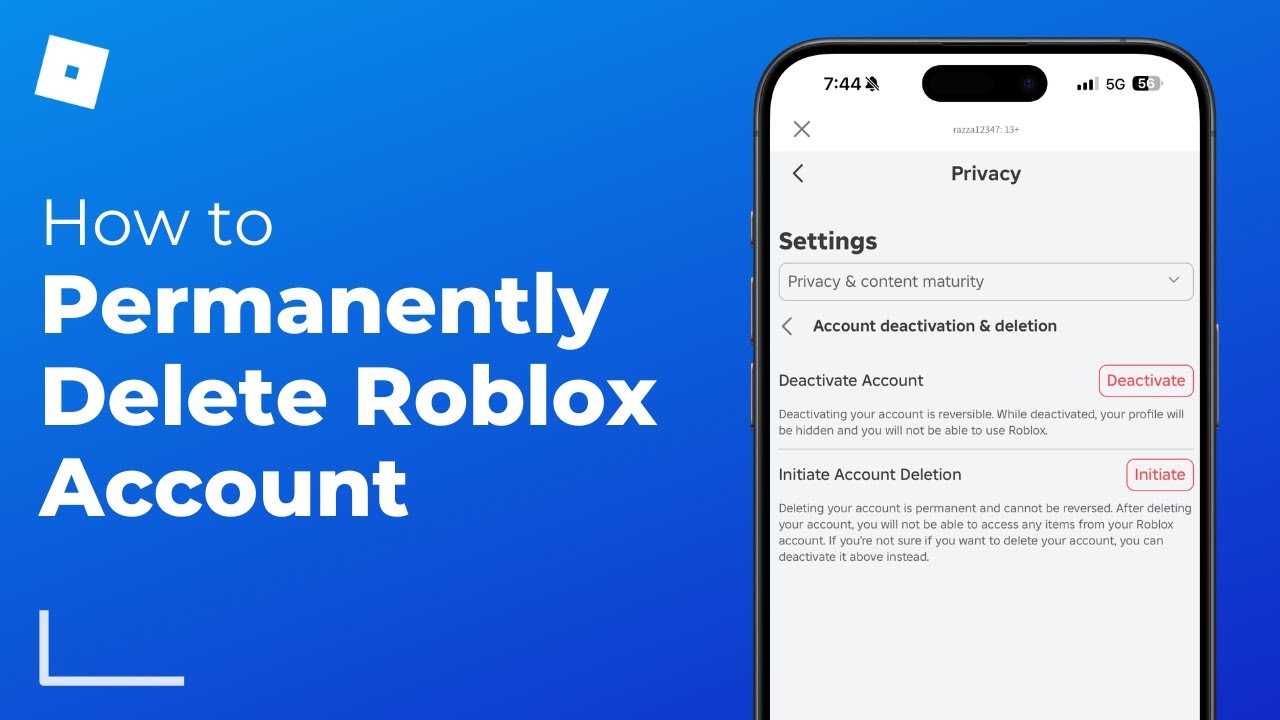
Yes, you can request to delete your Roblox account. If an account is deleted, all associated data, including previous usernames, will eventually be removed from public view. However, this is a permanent action that will result in the loss of all progress, Robux, and items.
Does contacting Roblox support help hide past usernames?
No, contacting Roblox support will not typically result in the removal or hiding of your previous usernames. Customer support generally adheres to the platform's established policies regarding account history and data visibility.
Can my friends see my old usernames on Roblox?
Yes, any friend who visits your Roblox profile page will be able to see the list of your "Previous Usernames" displayed there. This information is public for anyone viewing your profile.
What are the costs associated with changing my Roblox Display Name?
Changing your Roblox Display Name is completely free. You can do it every seven days without any cost in Robux or real money. This makes it an excellent, flexible tool for managing your current public identity.
Are there third-party tools promising to hide Roblox usernames?
Beware of any third-party websites or tools that claim they can hide or remove your previous Roblox usernames. These are often scams and can compromise your account security. Always stick to official Roblox features and guidelines.
Why is my original Roblox username always visible even after I change it?
Your original Roblox username is part of your account's permanent identifier, crucial for login and security. While you can pay to change your *current* username, the record of all past usernames is kept public on your profile to maintain account integrity and traceability.
Navigating identity and privacy in the vast world of Roblox can feel complex, especially when juggling it with a busy adult life. While completely scrubbing your previous Roblox usernames from existence isn't currently an option provided by Roblox, understanding the distinction between your permanent Username and your changeable Display Name empowers you to control how you appear to others today. By leveraging Display Names and proactively managing your account's privacy settings, you can significantly shape your online presence. For gamers who prioritize relaxation, social connection, and a bit of skill-building, having this control is essential. Remember, your gaming experience should be about fun and community, not worrying about outdated usernames. What's your biggest gaming challenge when it comes to online identity or privacy? Comment below and share your thoughts!
Roblox username visibility options, Changing display name impact, Protecting past identity on Roblox, Account privacy settings, Roblox identity management, User information control
35



Can You Hide Old Roblox Names Uncover The Truth . Can You Hide Old Roblox Names Uncover The Truth . How To Hide Previous Usernames Roblox 2026 YouTube . Can You Hide Old Roblox Names Uncover The Truth . How To Hide Previous Usernames On Roblox Quick Easy YouTube




How To Hide Previous Usernames On Roblox 2024 YouTube . How To Hide Previous Usernames Roblox 2024 Easy Method YouTube . How To Hide Previous Usernames On Roblox 2025 YouTube . How To Hide Previous Usernames On Roblox 2023 YouTube . How To Hide Previous Usernames On Roblox 2024 YouTube
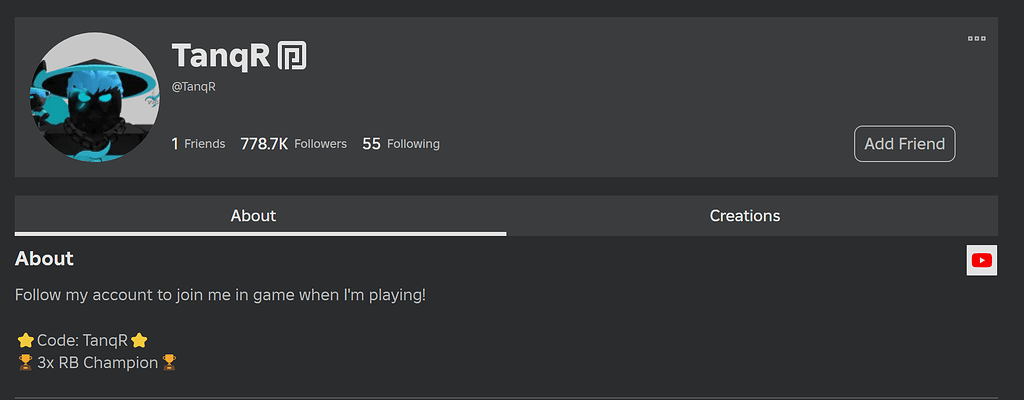


Previous Usernames No Longer Show On Profiles Roblox Application And 2 1024x400 . How To Hide Old Usernames On Roblox YouTube . How To Check Previous Usernames On Roblox Username Change History . Seeing Past Usernames Mobile Bugs Developer Forum Roblox . How To Change Roblox Username Easy Guide YouTube


Roblox Username Change How To Update Your ID Easily . How To Change Roblox Username For Free 2026 UPDATED YouTube . Make Past Username List More Concise Hide Current Duplicate Names . Roblox Name Change Is Free Possible . Seeing Past Usernames Mobile Bugs Developer Forum Roblox


Want A Free Roblox Account What You Need To Know Now . How To Change Your Username On Roblox A Simple Guide V4 460px Change Usernames On Roblox Step 4 Version 4 . Previous Usernames Website Features Developer Forum Roblox . How To Delete Roblox Worlds Is It Possible Delete Roblox Messages Step 8 . 500 Roblox Usernames Cool Unique Creative Interesting Roblox Usernames 1 559x1024


How Old Is My Roblox Account Find Out Now . Seeking Unique Japanese Usernames For Roblox Find Yours Roblox Usernames 1 559x1024 . What Is Koopekool Roblox Username Lets Find Out Good Roblox Usernames 1 . Definitive Guide To Roblox 2026 TM 07169 Definitive Guide To Roblox 2026 . Make A New Account On Roblox H Ng D N Chi Ti T V M O T O T I Kho N Large


Snagging The Perfect Roblox Username Still Possible Roblox Username Generator . How To Hide Previous Usernames On Roblox 2024 YouTube . Make Past Username List More Concise Hide Current Duplicate Names . How To Delete A Roblox Account And Recover It Later If Needed Image. How Old Is My Roblox Account Find Out Now